Screenshots
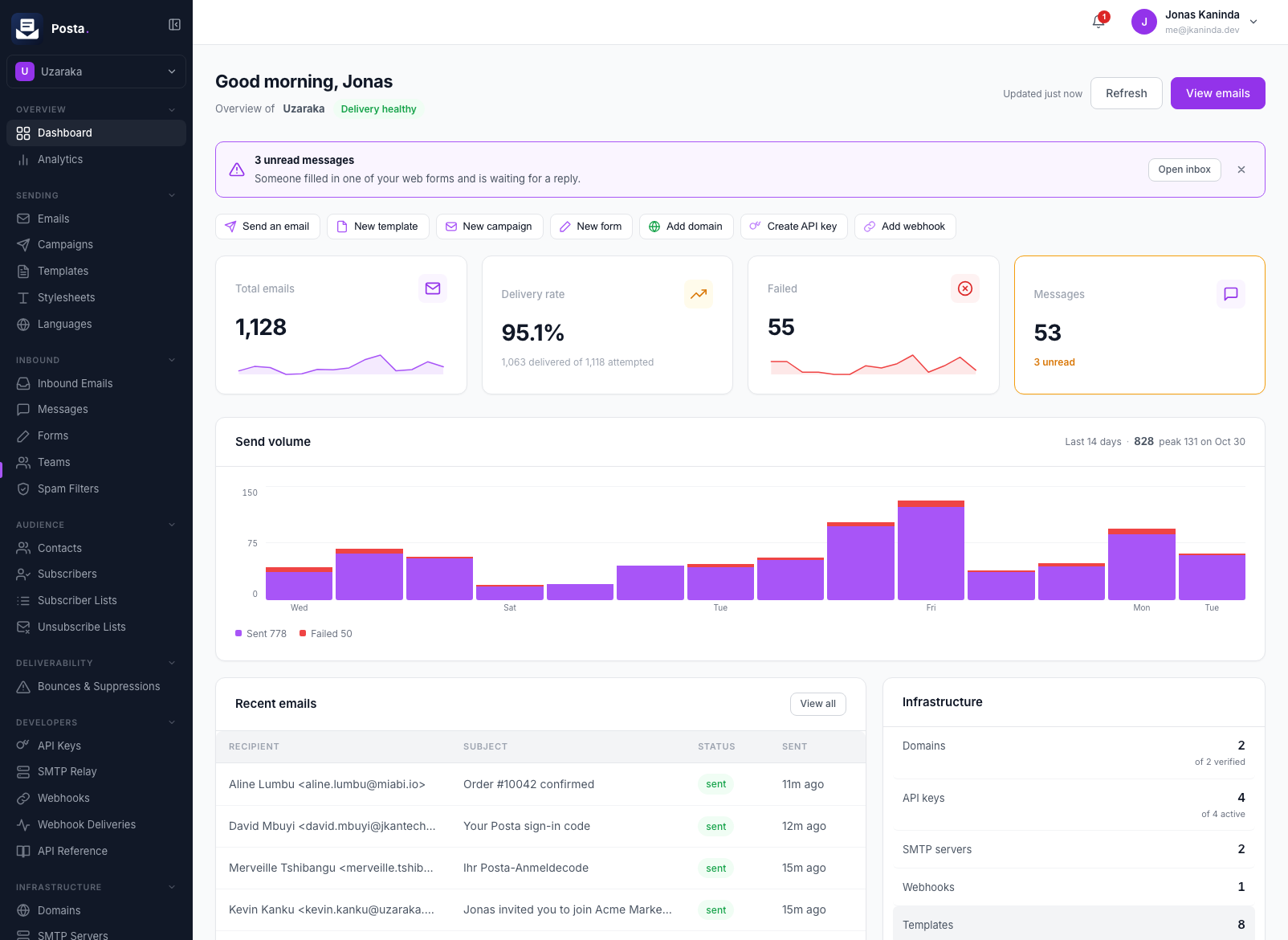
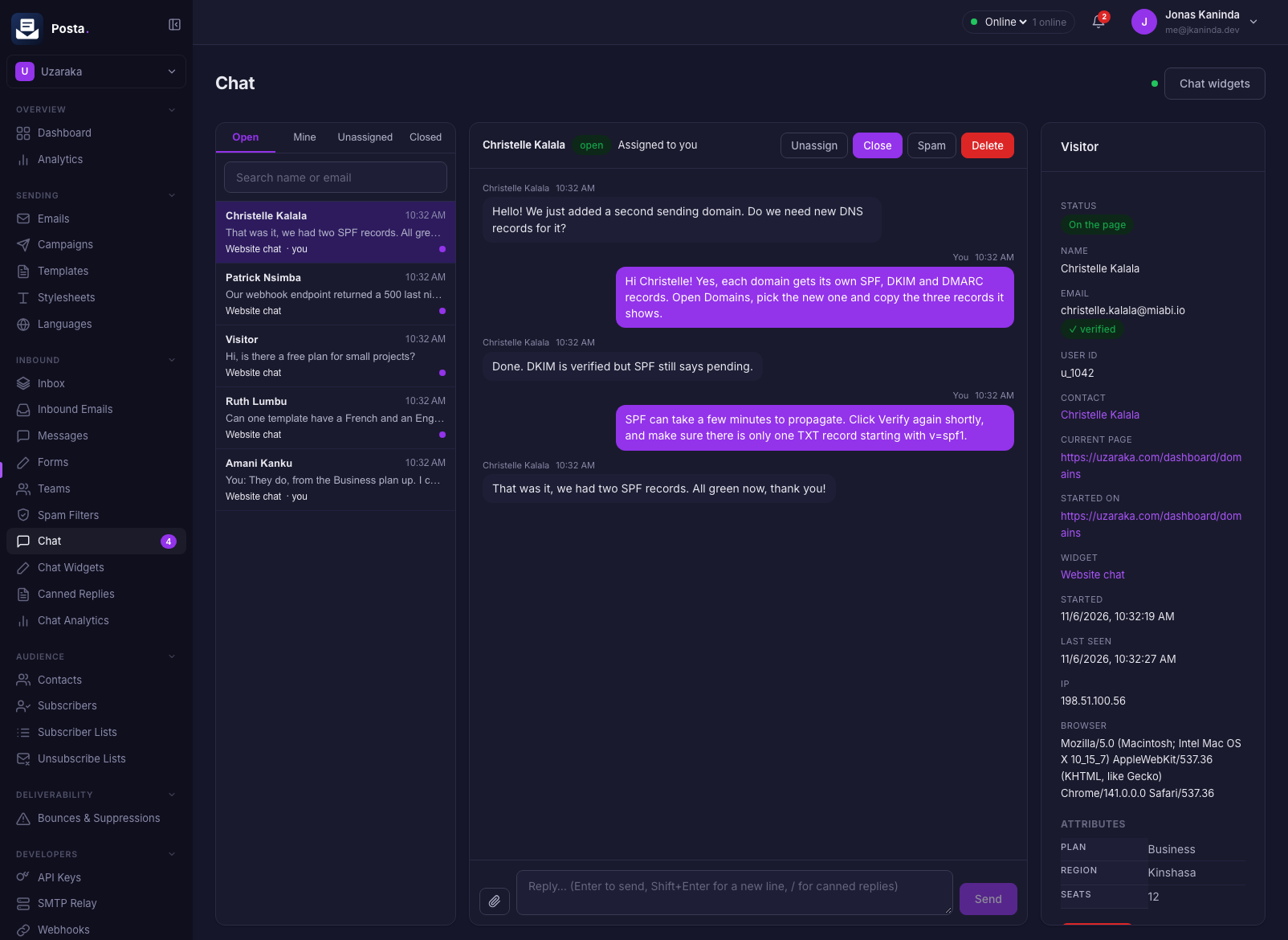
The Posta dashboard manages templates, sending, forms, live chat, subscribers, domains and keys, in light or dark mode. The forms and the chat widget run on your own website.
Dashboard
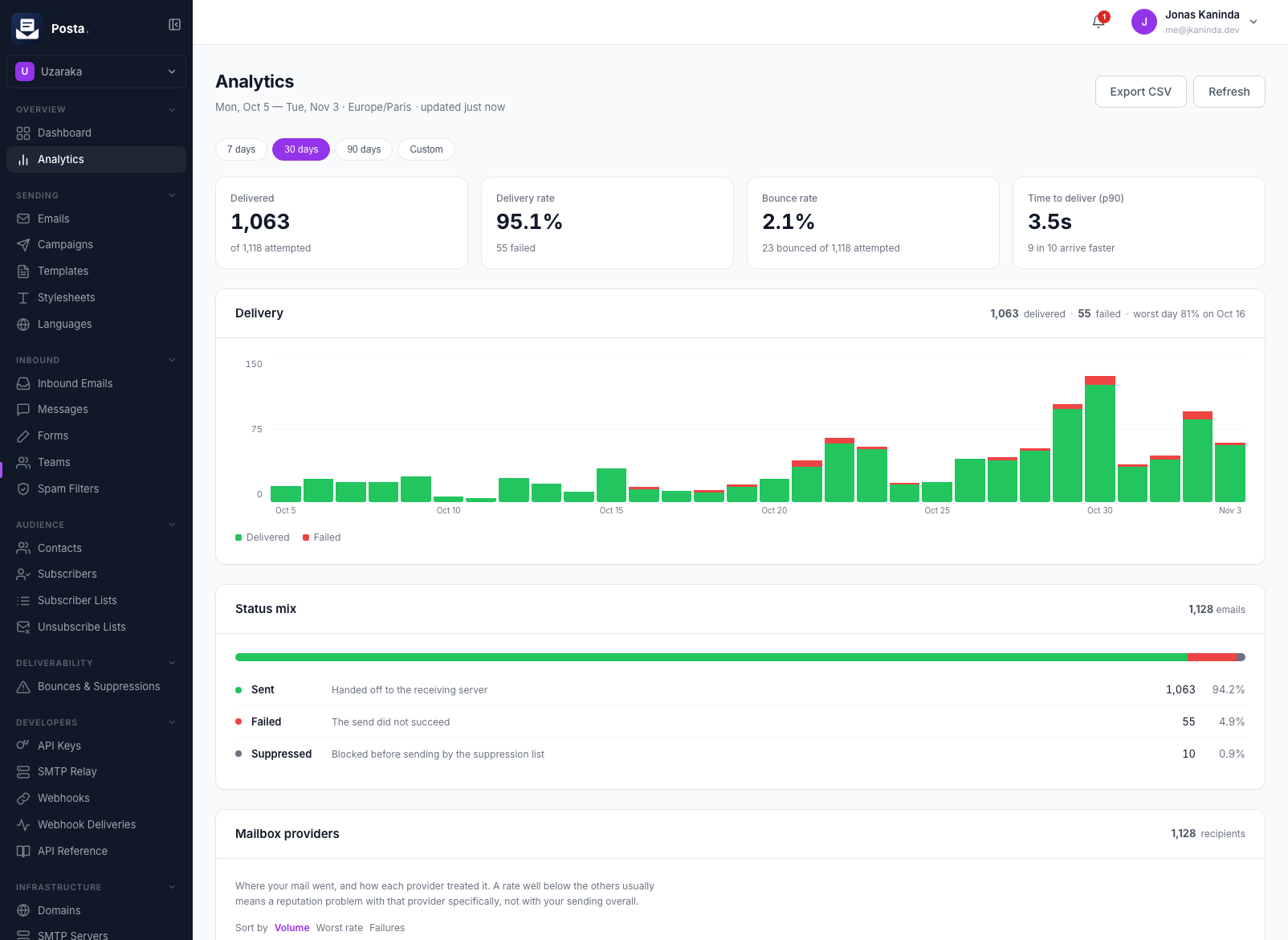
Analytics
Delivery, bounces and time to deliver for any period, split by mailbox provider.
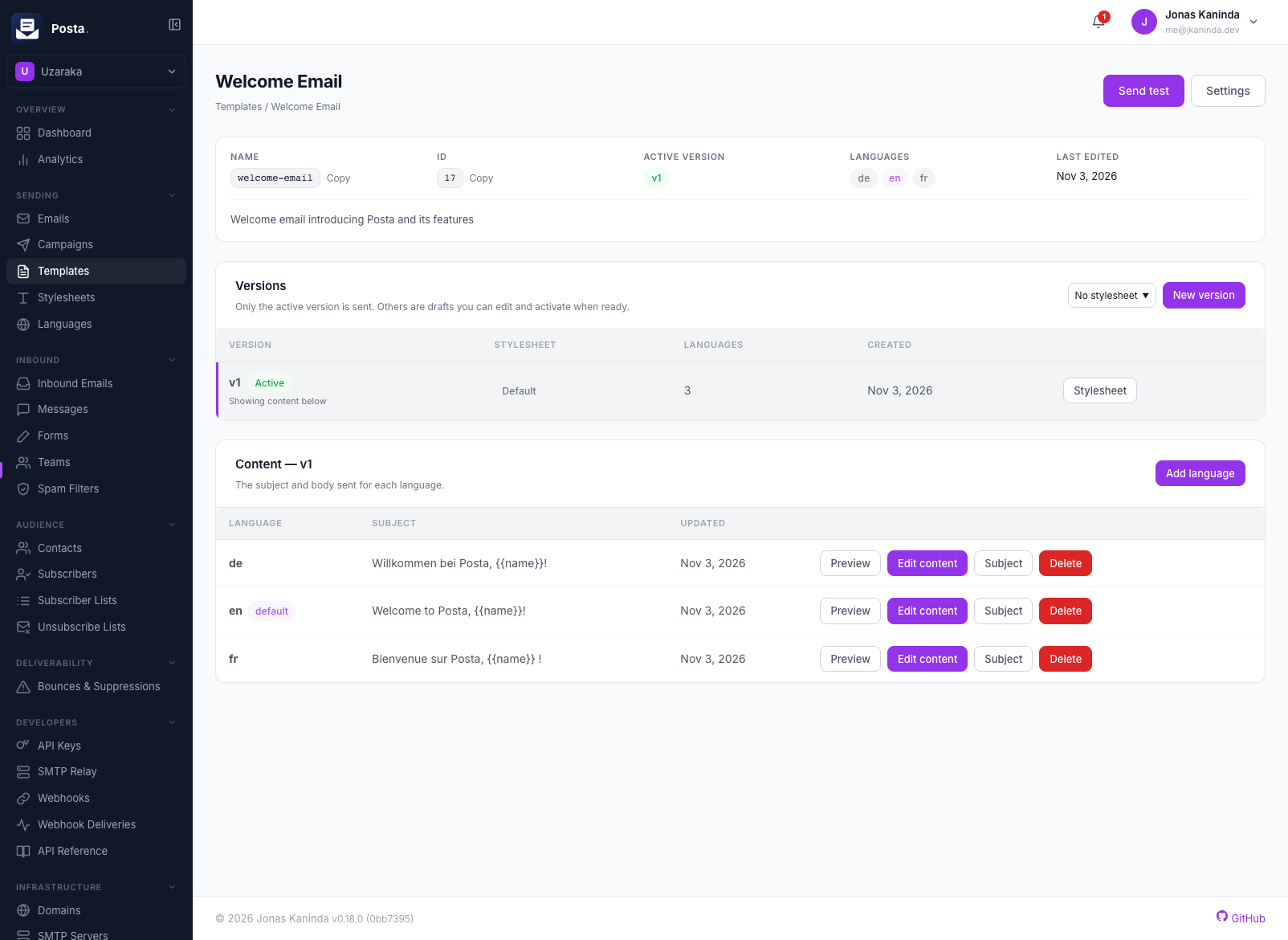
Templates
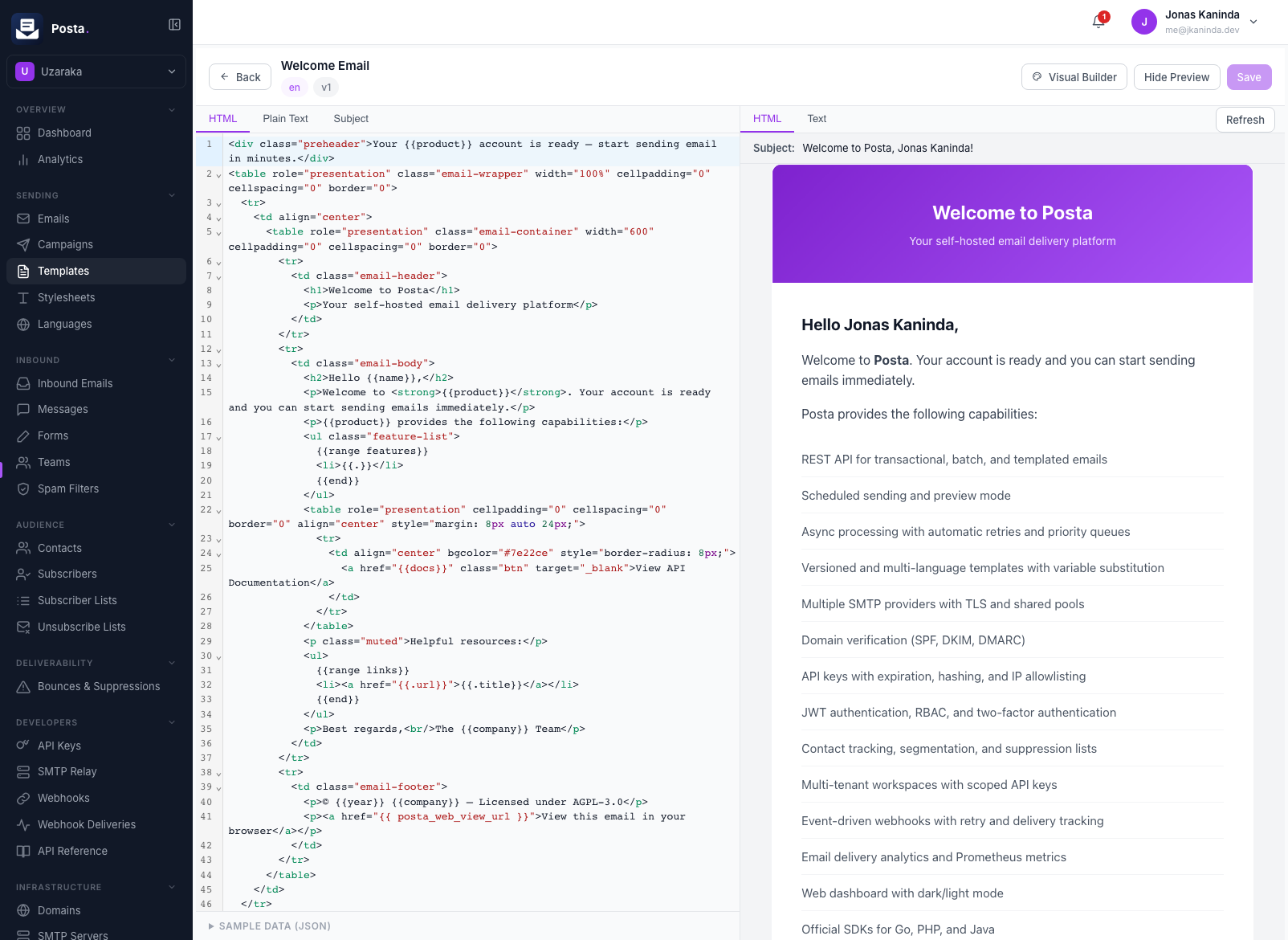
Versioned templates in many languages, edited in a visual builder or in code with a live preview.
Forms
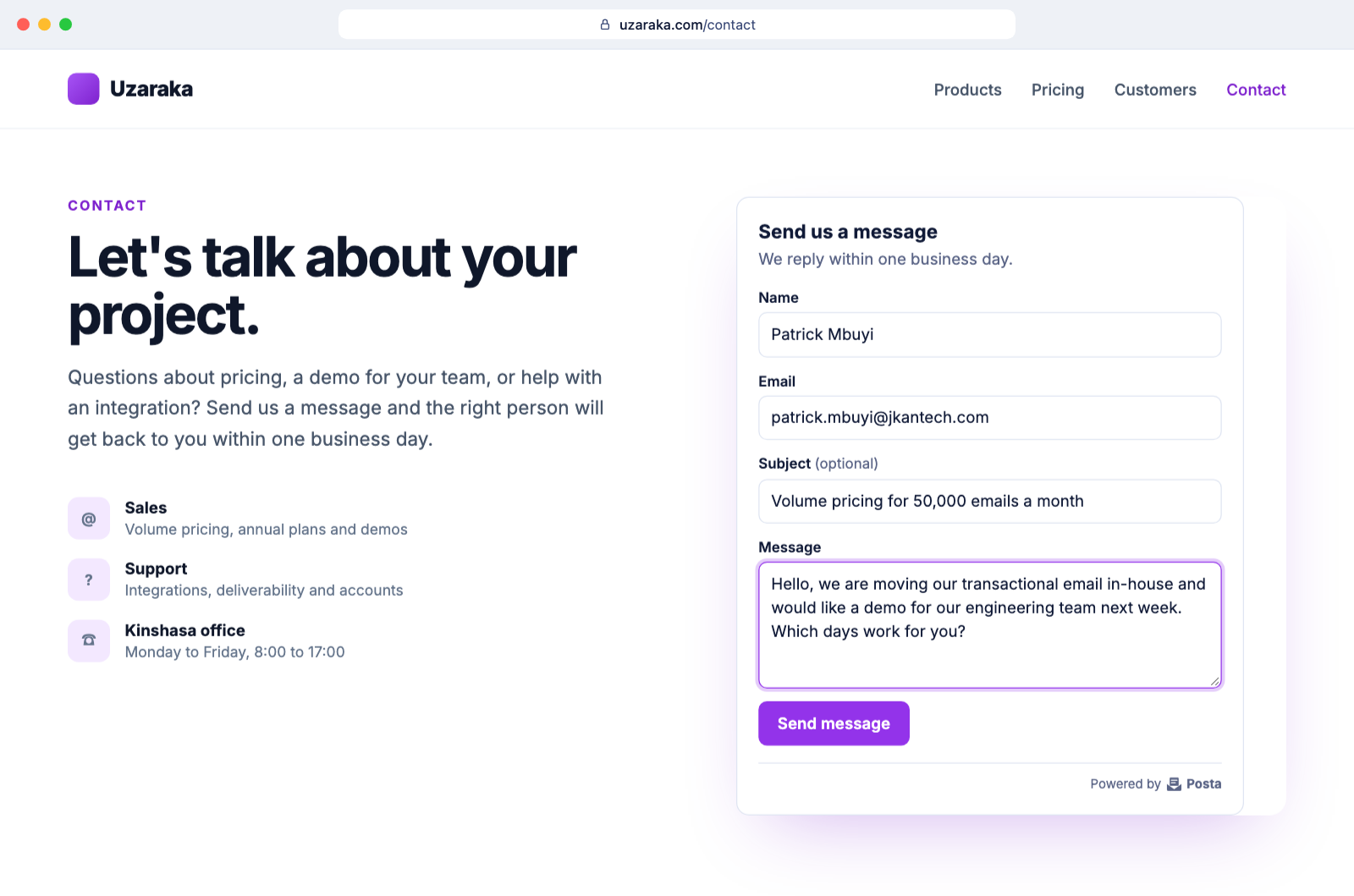
Contact form widget
One script tag puts a styled, accessible form on your website.
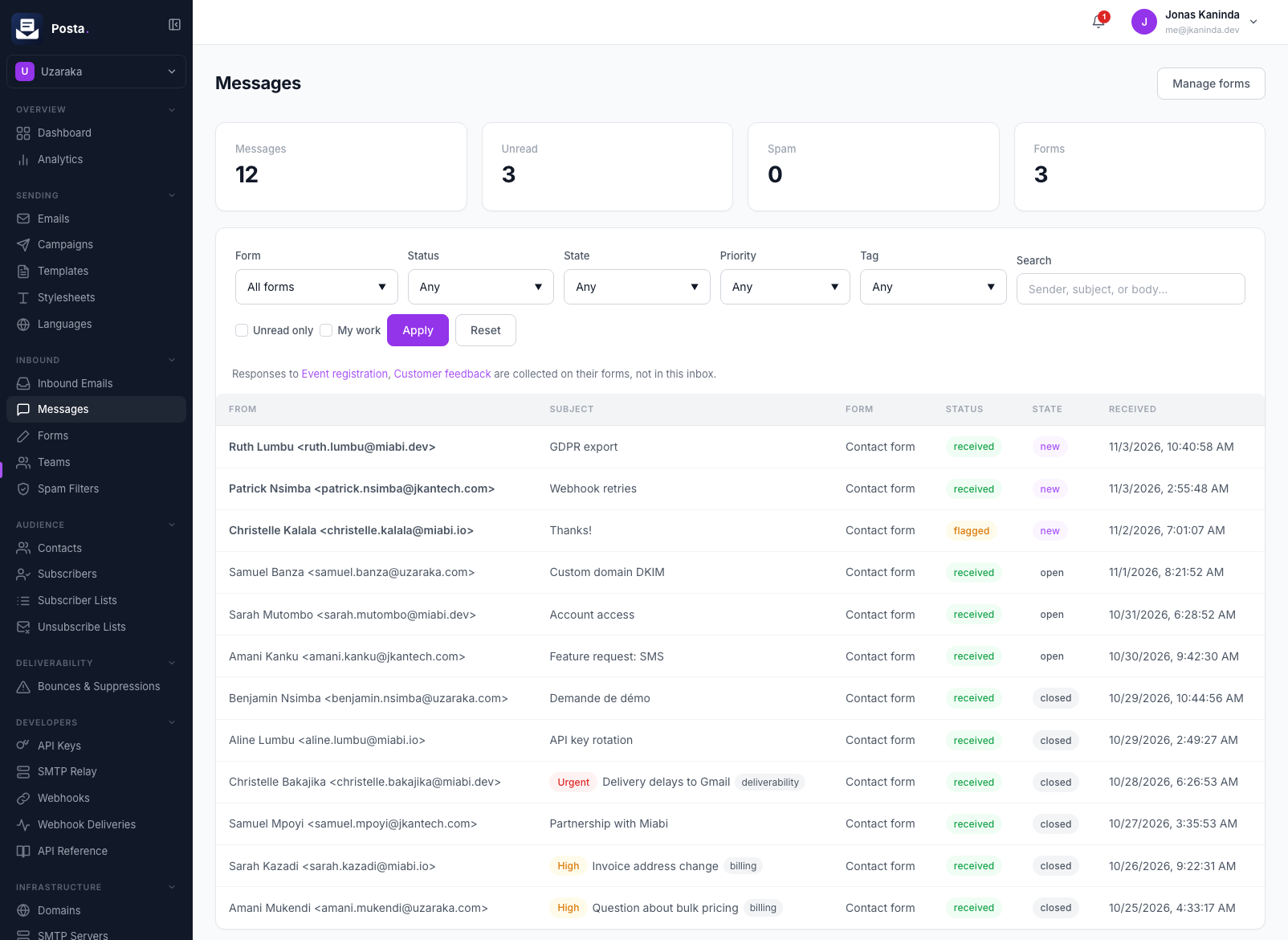
Messages inbox
Contact messages land in a shared inbox, with states, assignees, priorities, tags and spam scoring.
Surveys and signups
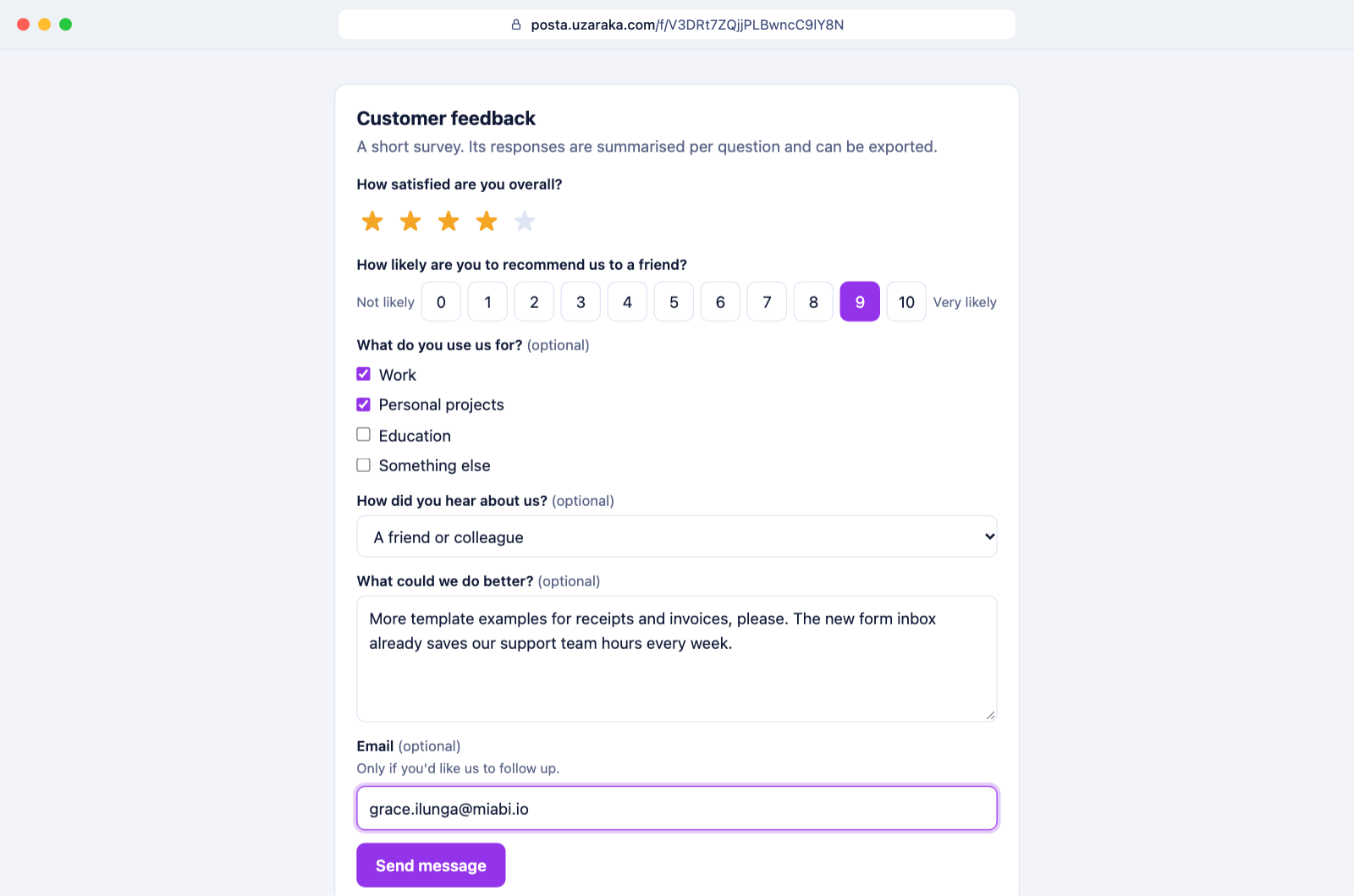
Shared form link
A survey, registration or signup form opened from its share link, with no website needed.
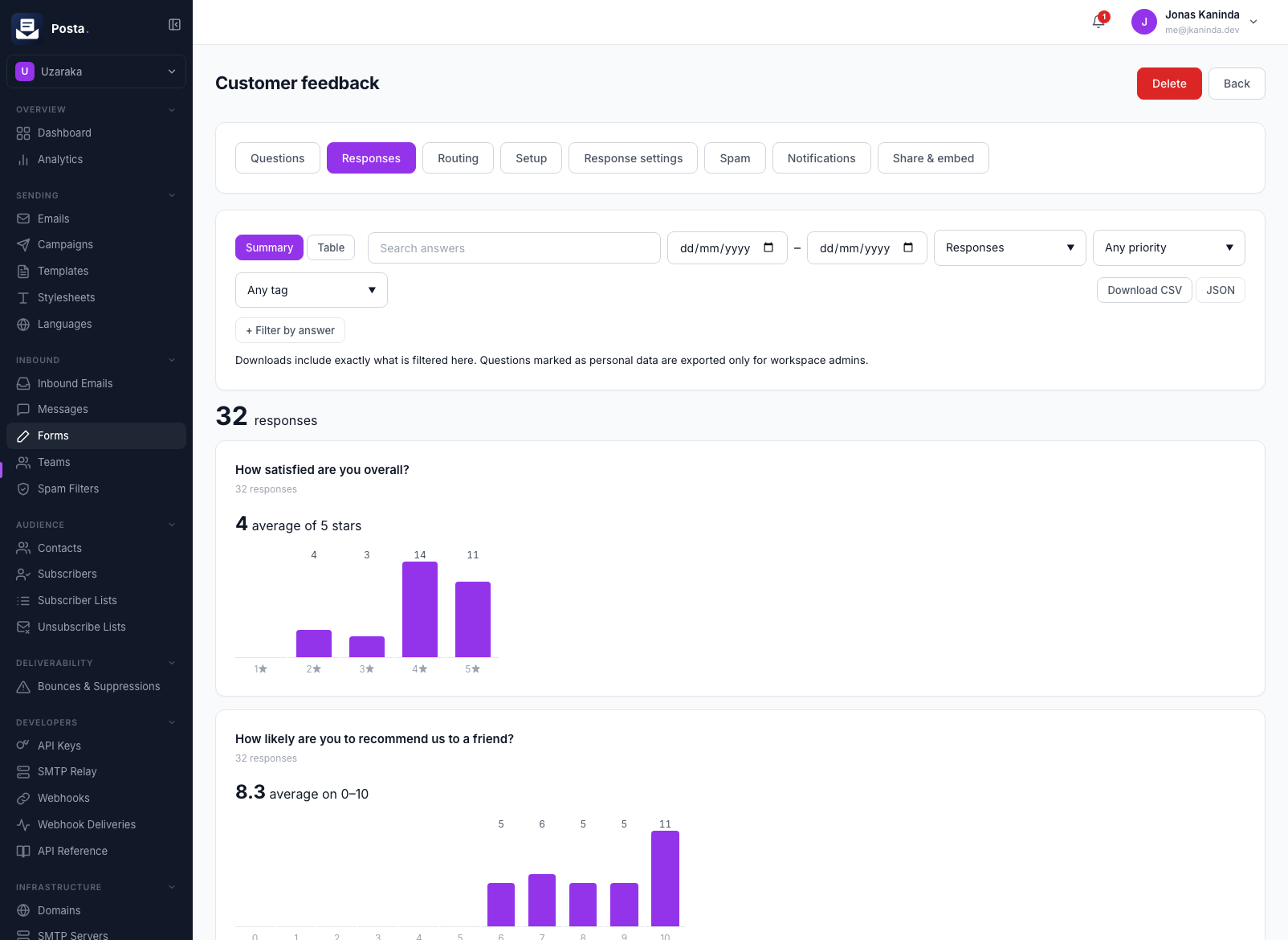
Responses
Answers are kept as responses, summarised question by question, and exported as CSV or JSON.
Live chat
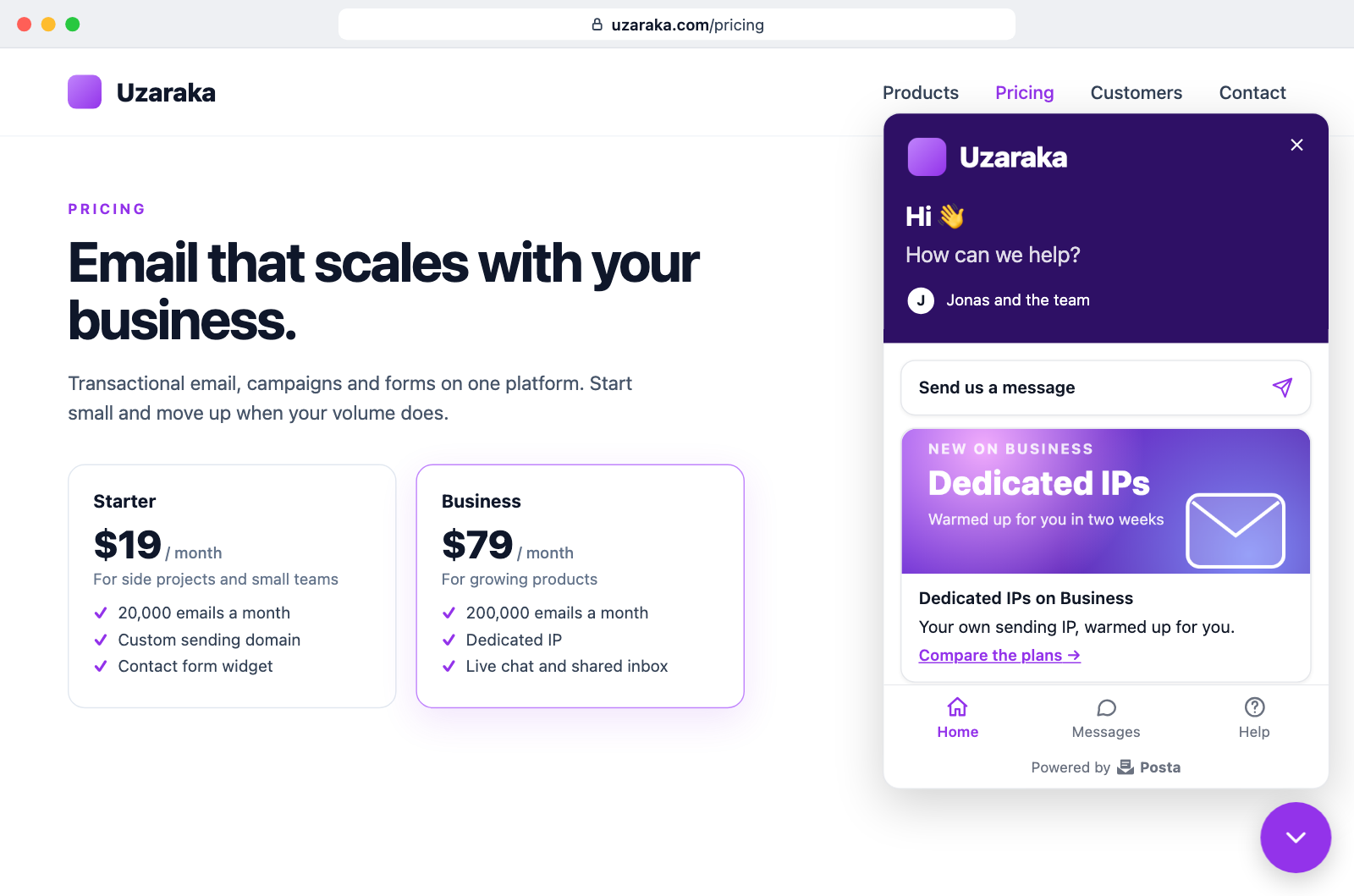
Chat widget
A home screen, help links and live chat on your website, added with one script tag. The home screen is part of Posta Enterprise.
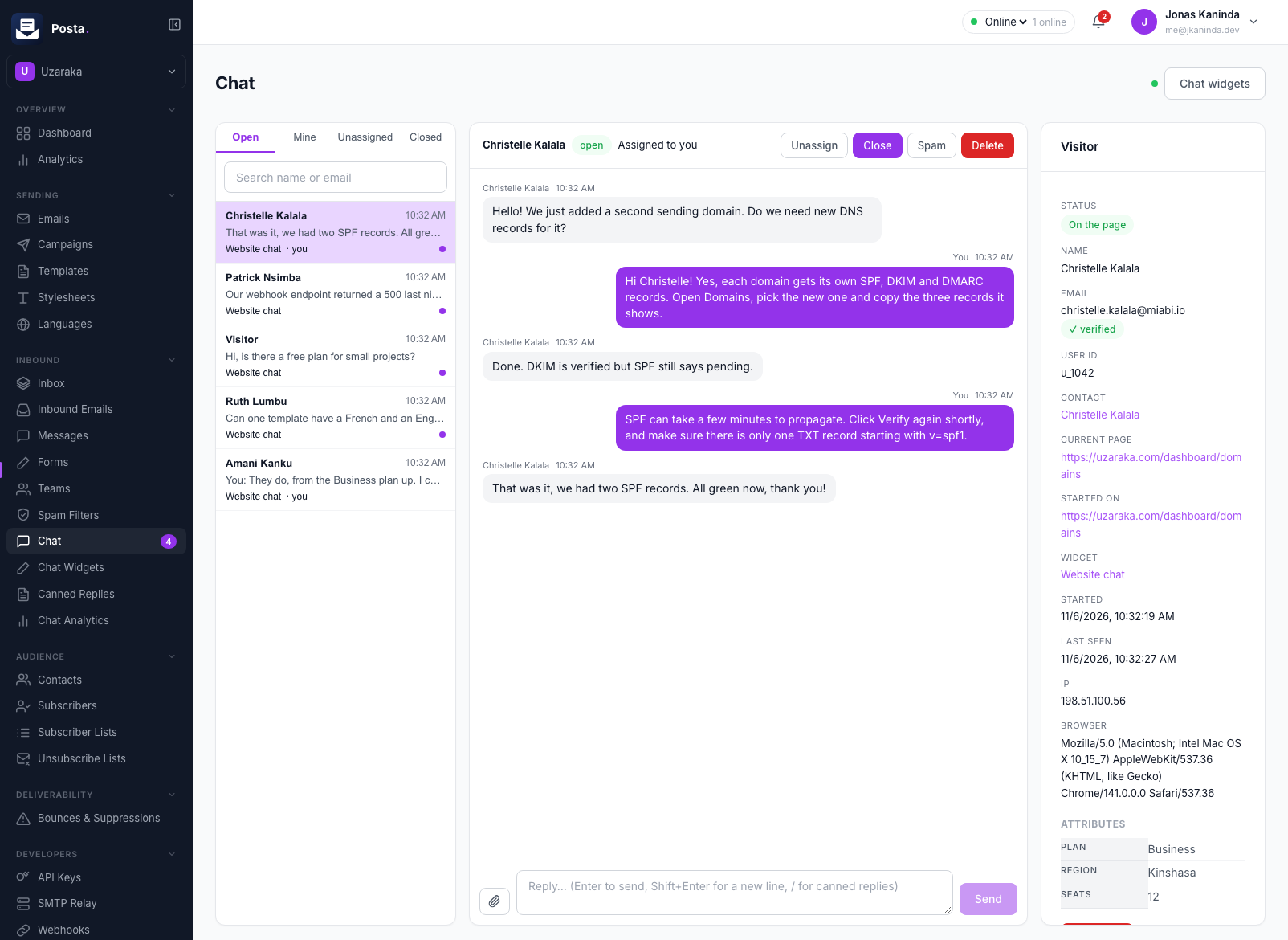
Answering chats
Agents answer from the dashboard, with the visitor's details beside the thread.
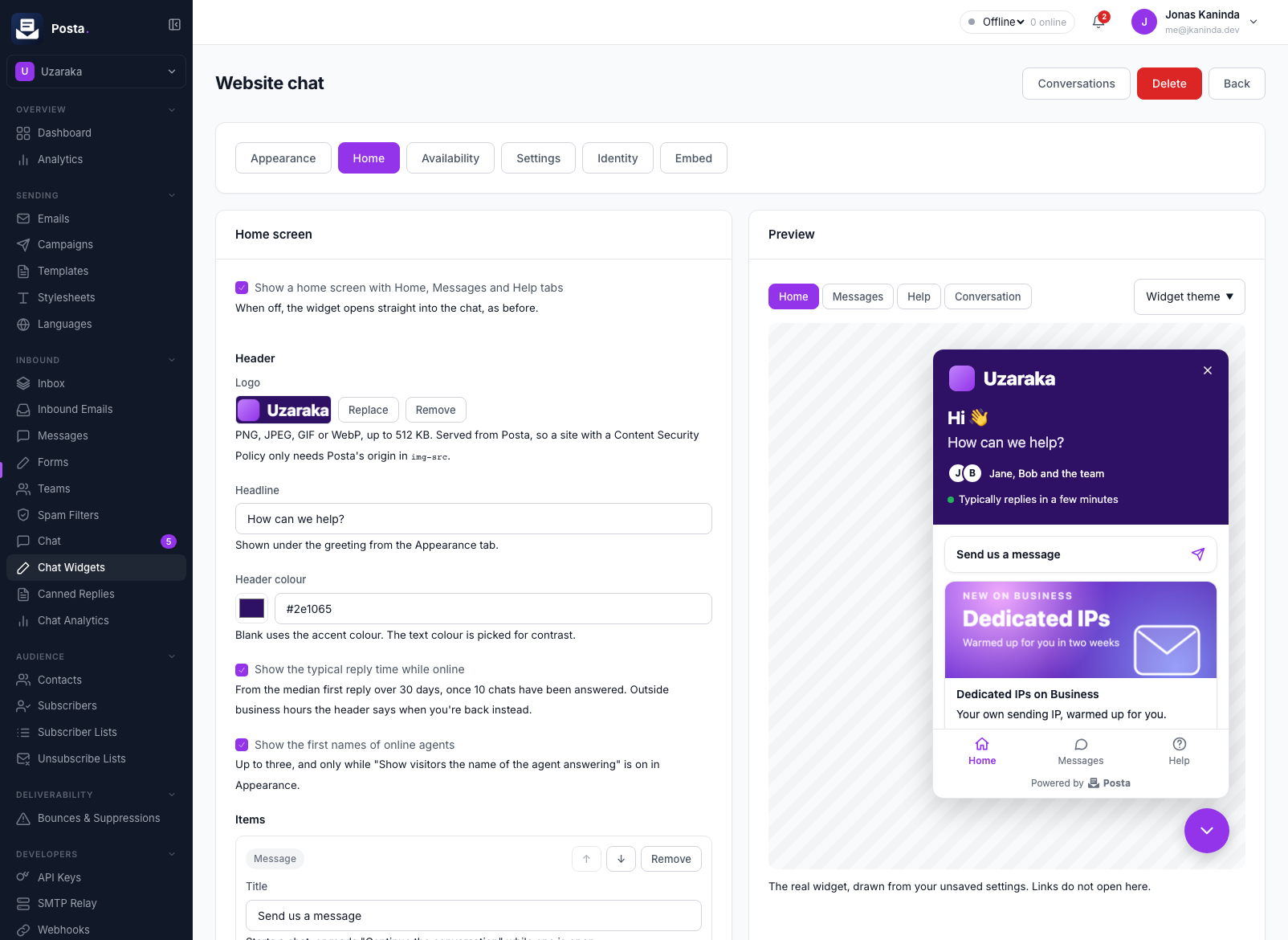
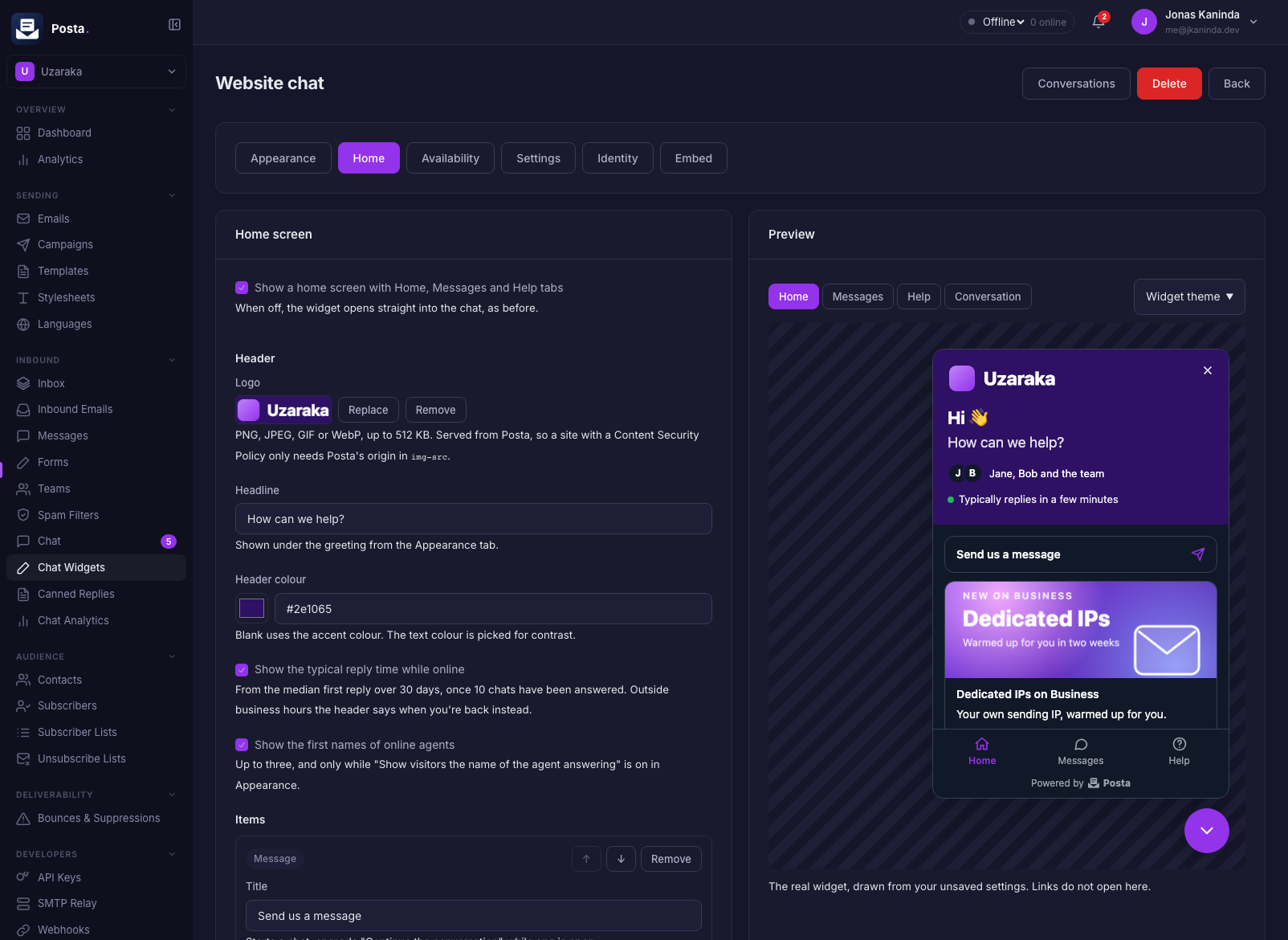
Widget settings
Each widget's home screen, appearance and availability are edited beside a live preview.
Administration
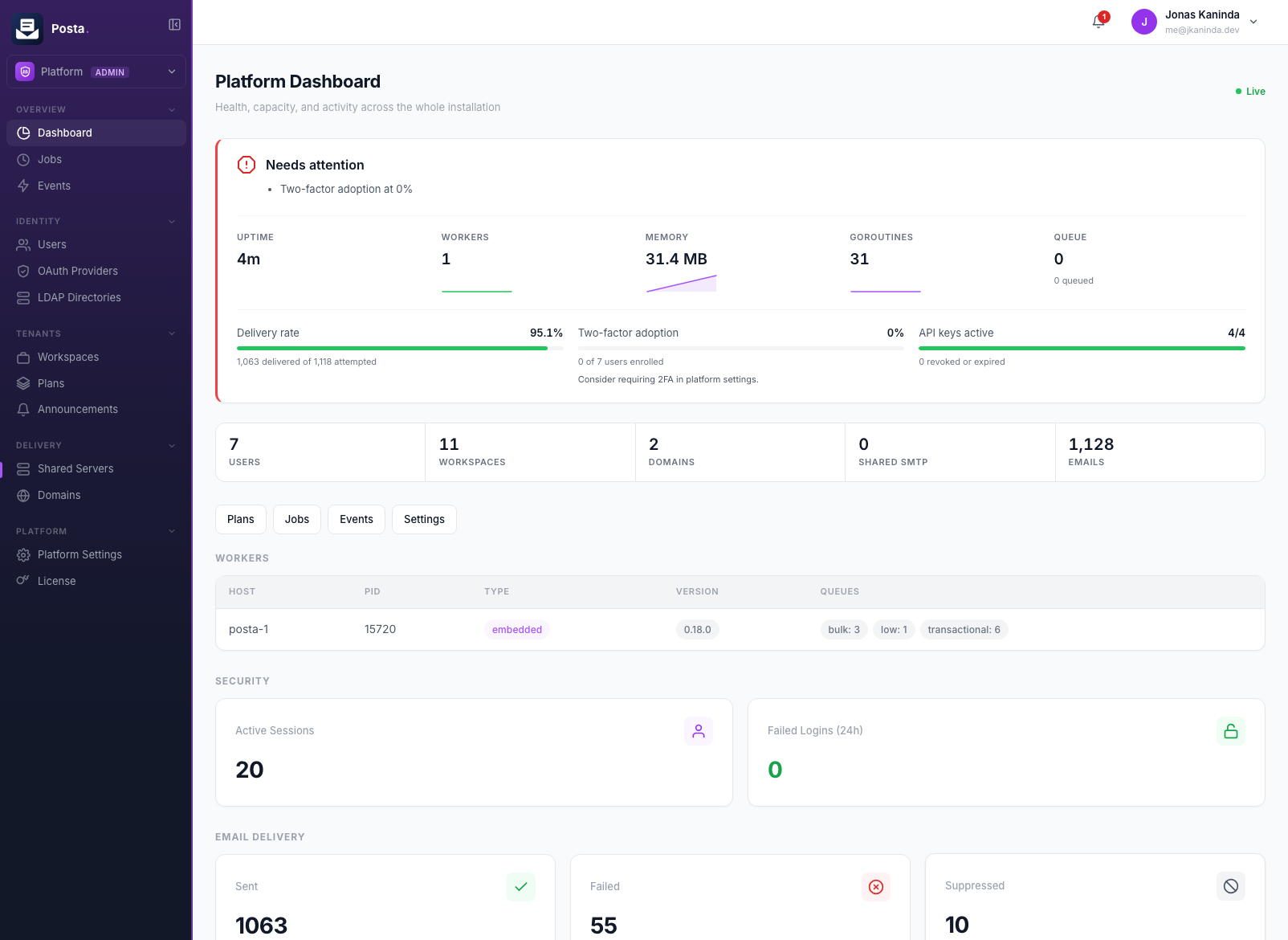
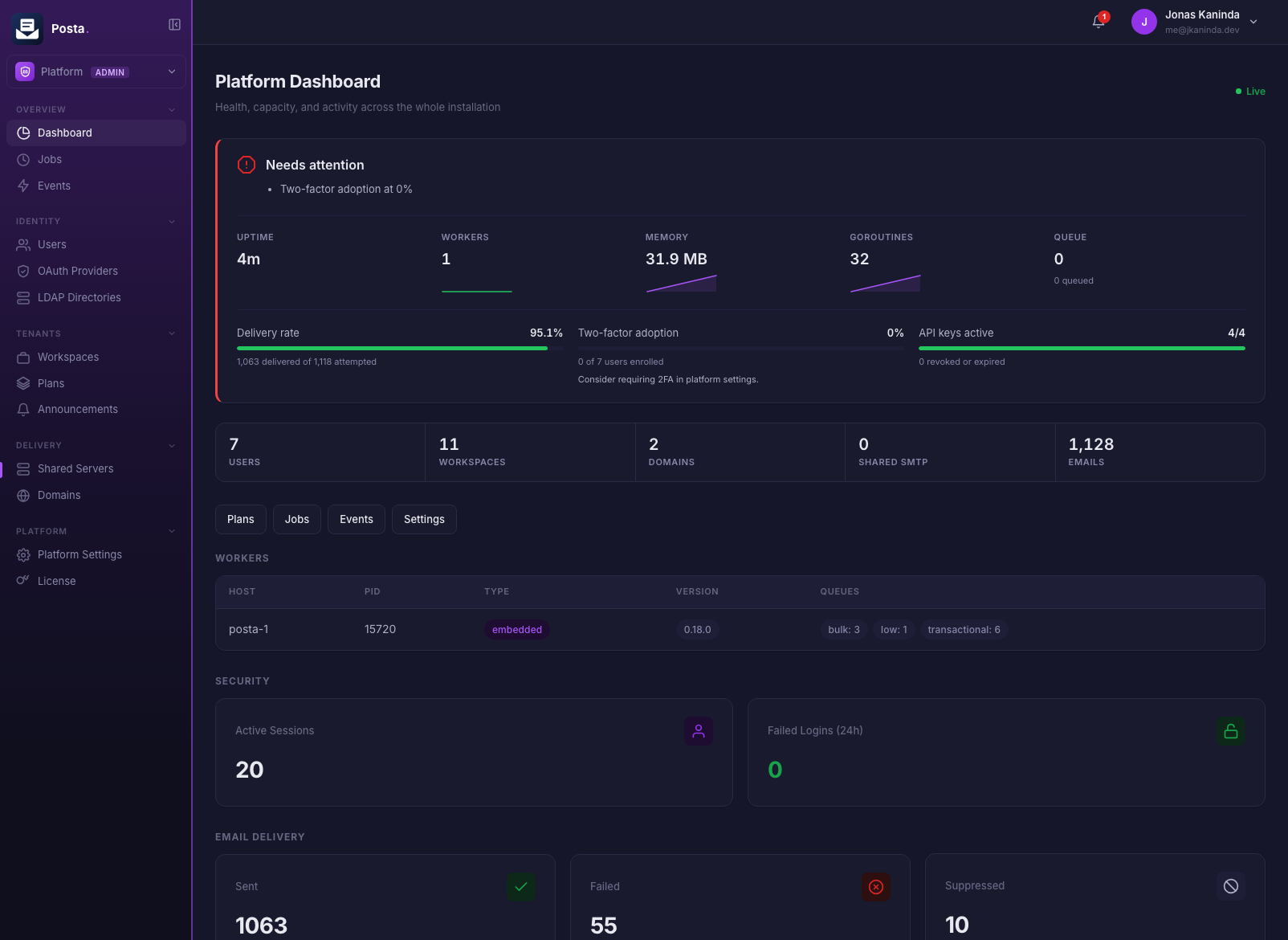
Platform admins see every workspace, worker and delivery rate across the installation.
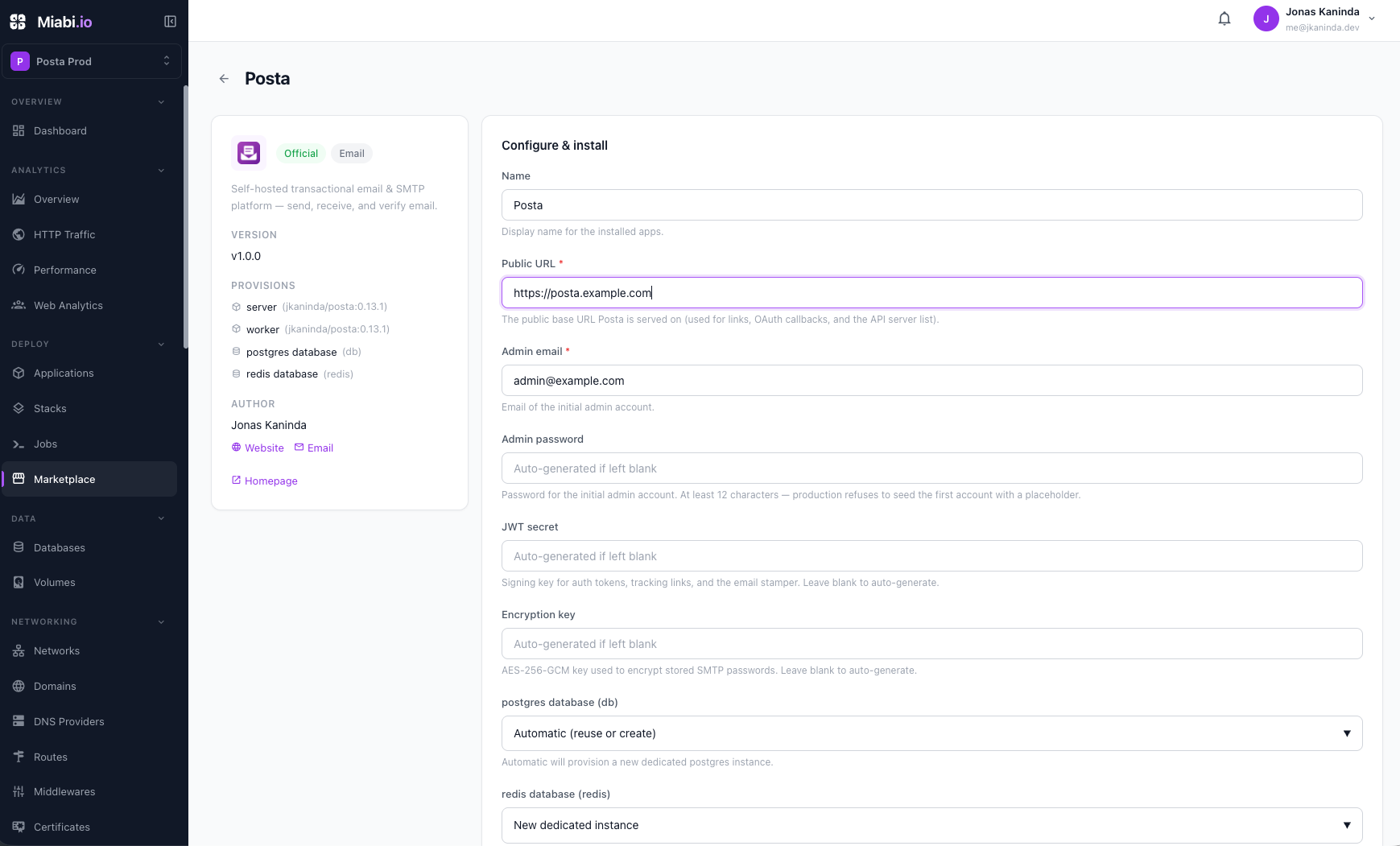
Managed Posta on Miabi
Posta can be installed in one click from the Miabi Marketplace. See Managed Posta.